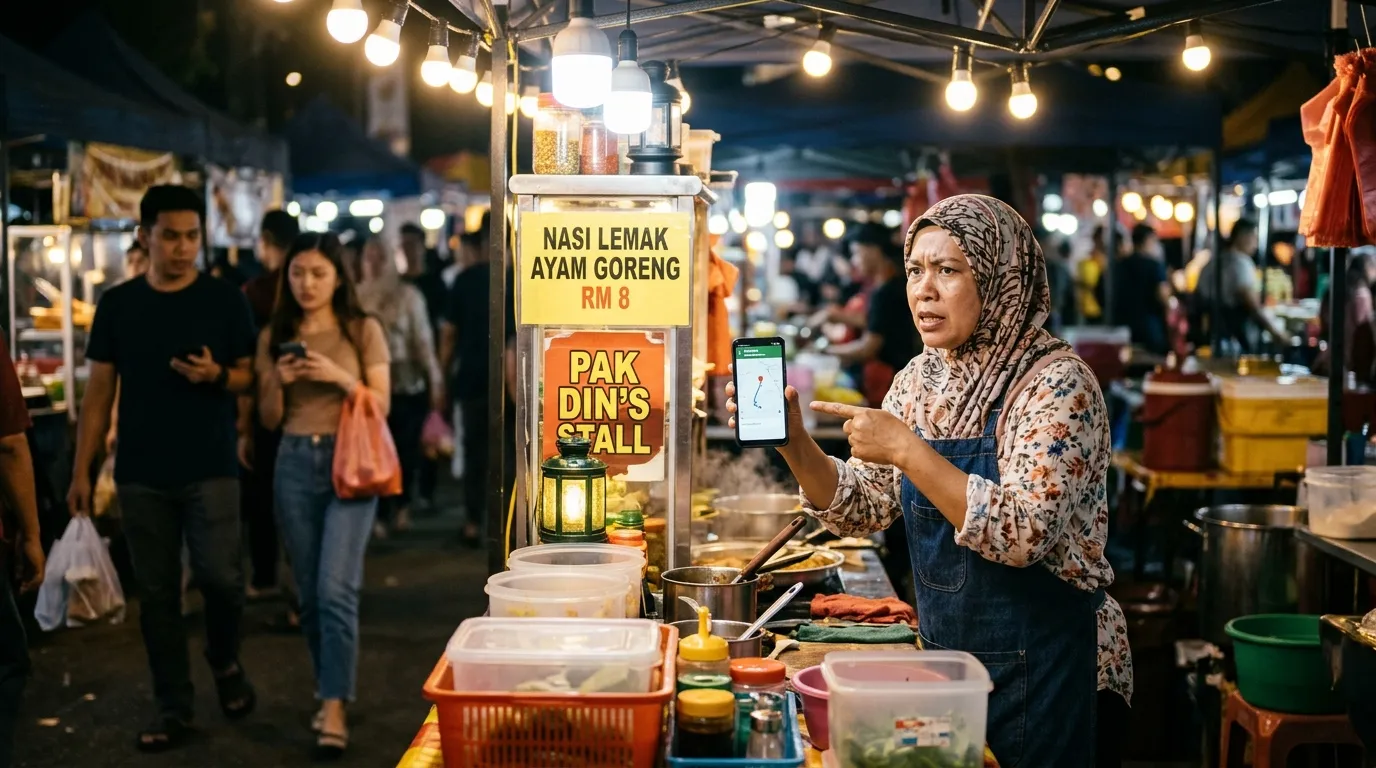
9 GBP Location Blunders in Malaysia That Actually Happened to Local Businesses
Imagine a customer who is all excited to visit your shop, but Google Maps brings them somewhere completely different — maybe to someone else's house, an empty lot, or even another state. This is not a made-up story. GBP location blunders in Malaysia are a real problem that has affected many local business owners, from small traders at night markets to restaurants that have been operating for years. This article compiles a collection of incidents and blunder patterns that commonly occur so you can avoid the same fate.
1. Business Suddenly "Moves" to Another Location Without the Owner Knowing
One of the most alarming blunders is when Google Maps shows that your business location has "moved" without you doing anything at all. This often happens when members of the public — basically anyone using Google Maps — suggest an address change, and Google accepts it automatically without the profile owner's approval. Business owners only realise there is a problem when customers start calling and asking, "Where has your shop moved to?"
Tip: Check your GBP profile at least once a week and enable e-mail notifications from Google Business Profile so you are informed every time a suggested change is accepted.
2. Wrong Profile Claim — Accidentally Claiming Someone Else's Business Profile
There are cases where business owners rushed to claim their GBP profile, accidentally clicked the wrong one, and ended up claiming a profile belonging to another business with a very similar name. This commonly happens when shop names are nearly identical or when Google has duplicate overlapping profiles. As a result, the location information displayed belongs entirely to another business.
Tip: Before confirming a profile claim, make sure the name, address, and phone number displayed are genuinely yours. Do not rush to click "Claim" without checking every detail first.
3. Location Pin Placed in the Middle of a Road or River
Among the most amusing yet serious complaints is a business location pin placed smack in the middle of a road or on top of a river. This happens when manually entered GPS coordinates are inaccurate, or when Google automatically determines the location based on imperfect map data. Customers following the navigation directions end up confused because they arrive at an impossible location.
Tip: After registering or updating your GBP profile, open Google Maps and check the pin position manually. Drag the pin to the correct location if needed, and save the changes.
4. Two Active Profiles for One Shop — Customers Go to the Old Address
Many Malaysian traders who have relocated their premises do not realise that their old GBP profile is still active and still showing the old address. So two profiles exist — one showing the new address, and another still live with the old address. Customers who are none the wiser will follow whichever profile appears first in search results, which may well be the old profile with a location that is no longer relevant.
Tip: After relocating, search for your business name on Google Maps to make sure there is no old profile that is still active. If there is, claim that profile and mark it as "Permanently Closed" or merge it with the new profile.
5. Street Name Spelled Wrongly — Google's Algorithm Sends Customers to a Different Area
Spelling mistakes in the address field are more dangerous than you might think. For example, "Jalan Ampang" and "Jalan Ampangan" are two different roads. When a business owner mistypes a street name, Google's navigation system may display what looks like the correct location at a glance, but is actually directing customers to an entirely different area — sometimes a different town altogether.
Tip: Verify your address spelling by referring to official documents such as your tenancy agreement, utility bills, or the Pos Malaysia website. Make sure the street name, postcode, and town name are all accurate.
6. Business Inside a Complex — Pin Drops at the Wrong Entrance
Businesses operating inside large complexes such as shopping centres, office buildings, or industrial areas frequently face the problem of the location pin dropping at the wrong entrance. Google Maps may place the pin at the back door or at another part of the complex far from the actual premises. Customers who arrive end up having to wander around looking for your shop like searching for a needle in a haystack.
Tip: For businesses inside a complex, use Google's "Plus Code" feature or add detailed directions in the GBP description field — for example, "Enter via the main entrance on the ground floor, turn left after the security counter."
7. Someone Else Registers Your Business Without Your Permission
This is a blunder that happens due to negligence, not any fault of the owner. There are cases where competitors, irresponsible individuals, or even marketing service providers register a GBP profile under your business name — with an incorrect address, phone number, or operating hours. The actual business owner has no control over that profile and is unaware of its existence.
Tip: Search for your business name on Google right now. If there is a profile you did not create, use the "Claim this business" process to reclaim control, then update all inaccurate information.
8. Coordinates Entered the Wrong Way Around — Longitude and Latitude Swapped
As unlikely as this mistake may seem, it does happen. When a business owner or their assistant manually enters location coordinates — perhaps to set a more precise location — some accidentally place the longitude value in the latitude column and vice versa. The result is a GBP profile showing the business at a completely unrelated location, sometimes outside the country.
Tip: If you need to enter coordinates manually, always double-check by opening the Google Maps link generated and confirming it shows the correct location before saving the changes.
9. Wrong Postcode — Customers Arrive at Someone Else's Residential Area
Even a single wrong digit in a postcode is enough to send customers to a completely different area. In Malaysia, a one-digit difference in a postcode can mean a vastly different neighbourhood — for instance, the difference between Petaling Jaya and Shah Alam, or between Johor Bahru and Skudai. Customers who assume they are almost there based on the GPS suddenly find themselves directed in completely the wrong direction.
Tip: Make sure the postcode used in your GBP profile is accurate by verifying it through the Pos Malaysia Postcode System on their official website. This is a simple check that can prevent unnecessary customer frustration.
Don't Let a Wrong Location Destroy Customer Trust
All of the blunders above have one thing in common — they can be avoided if business owners regularly monitor and audit their GBP profile. A wrong location is not just a minor inconvenience; it reflects poorly on your professionalism in the eyes of customers and can cause them to switch to a competitor whose profile information is more accurate and trustworthy.
Beyond location, there are many other elements in a GBP profile that need to be monitored regularly — from the accuracy of operating hours and business category, to the quality of photos displayed. Each of these elements influences whether your business appears in local search results or not.
Audit Your GBP Now at GBPAuditLab.com
Not sure whether your GBP profile has a location issue or other problems affecting your business visibility in Google Search? GBPAuditLab.com offers a comprehensive GBP audit specifically for Malaysian businesses.
- Starter Audit — for just RM19.90, you will receive a detailed report on the health of your GBP profile
- Add Heatmap — for an additional RM15, see where your business ranks on the local search map by area
Don't wait until a customer calls and asks, "Where exactly is your shop?" — take proactive action today.