GBP Got Hijacked — How to Detect and Recover Ownership
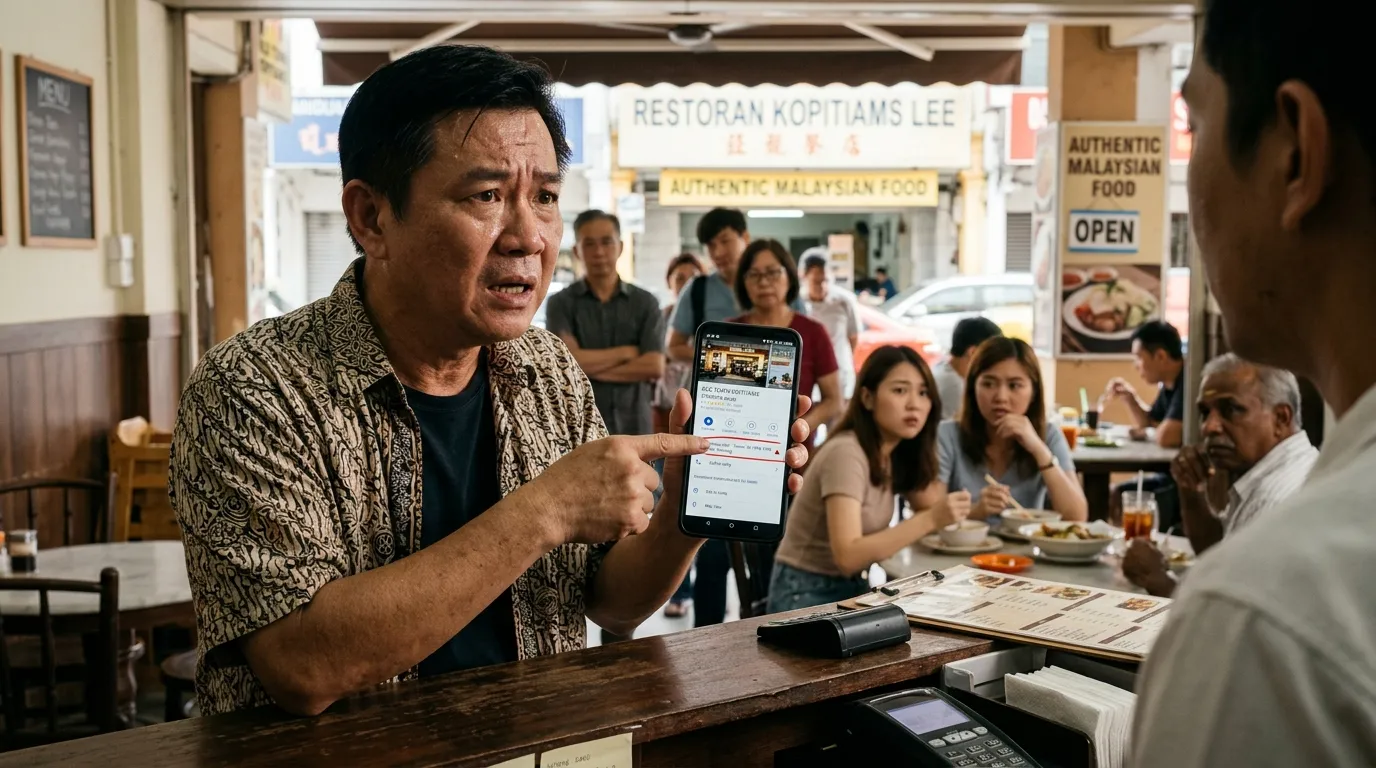
Picture this situation: your loyal customer tries to contact your shop through Google Maps, but the phone number displayed belongs to someone else. Your address has been changed to a location you've never heard of. The reviews and ratings you've built up over the years are now being controlled by an irresponsible party. This is the nightmare scenario known as a GBP hijack — and it's happening to far more Malaysian business owners than you'd think.
According to BrightLocal (2024), 87% of consumers use Google to evaluate local businesses before making a purchase decision. That means if your Google Business Profile (GBP) is being controlled by someone else, your reputation and revenue are in serious danger. This guide will walk you through how to spot the early signs that your GBP has been hijacked, and the concrete steps you need to take to reclaim control of your profile.
What You'll Need
Before you start the detection and recovery process, prepare the following:
- Google account that you used when you first registered your GBP
- Business documents — SSM, business licence, or any official document proving you are the rightful owner
- Registered business phone number (for the verification process)
- Access to the email linked to your business Google account
- Time required: 30 minutes to 2 hours depending on the complexity of the case
- Difficulty level: Easy — suitable for business owners who are not tech-savvy
Why Can a GBP Get Hijacked?
GBP is designed to make it easy for business owners to register and update their profiles. However, this open system also creates room for abuse. Here are the most common ways a GBP gets hijacked:
- Third-party claiming: Anyone can "claim" a GBP profile that hasn't been claimed by the original owner. If you've never claimed your own profile, it's exposed to this risk.
- Uncontrolled admin access: Former employees, digital marketing agents, or business partners who were previously given access as a manager or owner may still have control even after the business relationship has ended.
- Phishing attacks: Scammers send emails or messages that look like they're from Google, asking you to "verify" your account — and when you click, they steal your login credentials.
- Duplicate listings taken over: Sometimes a duplicate listing is created by another party and actively optimised until it outranks your legitimate profile.
Moz (2023) reported that GBP signals account for 36% of ranking factors in Google's local pack. This means a hijacked profile doesn't just damage your reputation — it also steals your organic traffic and potential customers.
Step 1: Check Your GBP Profile Ownership Status Right Now
Log in and check who has access to your GBP profile.
- Go to business.google.com and log in with your Google account.
- Select your business profile.
- Click "Business Profile settings" then select "Managers" or "People and access".
- Review the full list — are there any names or emails you don't recognise?
If you cannot log in at all or find that your account no longer has owner access, this is the first sign that your GBP may have been hijacked. Proceed to Step 2.
If you can log in but there are unfamiliar names in the managers list, note down their names and email addresses — this information is important for the recovery process later on.
Step 2: Look for Signs of Hijacking in Your Public Profile
Compare the information in your public GBP profile with your actual business details.
Open Google Maps or search for your business name on Google, then check each of the following:
- Phone number — Is it your number? Try calling it to confirm.
- Address — Is it your actual business premises address?
- Operating hours — Do they reflect your actual business hours?
- Business category — Is the category displayed relevant to your business?
- Photos — Are the images shown photos of your premises or products?
- Business name — Is the spelling and format of the name correct, or has it been altered?
- Website — Does the link lead to your legitimate website?
Any change that you did not make yourself is a serious red flag. For instance, if the phone number displayed routes to someone else's number, customers trying to reach you are actually calling a scammer — and you won't even know it.
Step 3: Check Your Activity Logs and Email Notifications
Review your emails and activity records to detect any suspicious changes.
- Check the email inbox linked to your business Google account. Look for emails from Google notifying you of changes made to your GBP profile.
- Search for emails with subjects like: "Your Business Profile has been updated", "Someone requested ownership", or "A new manager was added".
- If you receive notifications about changes that you did not make, this confirms that someone else has been accessing your profile.
Many business owners dismiss email notifications from Google, assuming they're spam. This is a big mistake. From now on, make sure the email linked to your GBP is actively and consistently monitored.
Step 4: Contact Google to Recover Ownership
Report the hijack case to Google and request access recovery.
If you've confirmed that your GBP has been hijacked, follow these steps:
- Go to support.google.com/business and click "Contact us".
- Select the issue "Manage verification" or "Someone else verified my Business Profile".
- Google will ask you to fill in an appeal form. Include:
- Full business name and address - Proof of ownership documents (SSM, business licence, utility bills in the business name) - A brief description of what happened
- Google typically requires 3 to 7 business days to process your appeal.
According to Google's official guidelines (2024), complete and accurate GBP information not only improves your local search ranking — it also makes it easier for Google to verify the identity of the rightful owner during the recovery process. This is the main reason why you should register your business with complete and consistent information from the very start.
If the first appeal is unsuccessful, you can try to re-claim the profile through the standard verification process — whether via postcard, phone call, or verification email — backed by strong proof of ownership.
Step 5: Remove Unauthorised Managers and Change Your Password
Clean up your profile access as soon as control is restored.
Once you've successfully regained access as the owner:
- Go back to "People and access" in your GBP settings.
- Remove all users you don't recognise or who are no longer associated with your business.
- Change the password of your Google account immediately — use a combination of uppercase letters, lowercase letters, numbers, and symbols.
- Enable two-factor authentication (2FA) on your Google account. This adds an extra layer of security that prevents others from logging in even if they know your password.
- Review all profile information — name, address, phone number, operating hours, category, photos, and website link — and correct anything that has been changed.
This step not only restores your profile but also ensures the same thing doesn't happen again in the future.
Step 6: Monitor Your GBP Profile on a Regular Basis
Set up a regular monitoring schedule to prevent future hijacking.
A successful recovery is a beginning, not an end. Here are the best practices to protect your GBP profile on an ongoing basis:
- Check the managers list at least once a month.
- Monitor your public profile information — search for your business name on Google every week and make sure all details are correct.
- Enable Google notifications so you receive an alert whenever changes are made to your profile.
- Never share your Google account login credentials with anyone. If an employee or marketing agent needs access, add them as a manager — not an owner — and remove their access as soon as the working relationship ends.
This is in line with Google's official guidelines (2024), which emphasise that the accuracy and completeness of your GBP information is key to a strong local search ranking.
Step 7: Run a Full GBP Audit with GBPAuditLab
Audit your GBP profile thoroughly to make sure no vulnerabilities are left behind.
Once you've recovered control of your profile, the most important final step is to run a comprehensive audit to ensure every aspect of your profile is in optimal condition and secure.
GBPAuditLab.com is a GBP audit tool designed specifically for Malaysian SME business owners. With GBPAuditLab, you can:
- Identify gaps in your GBP profile that could be exploited by irresponsible parties
- Check information completeness — name, address, phone number, operating hours, photos, description, and more
- Get a detailed report on your profile status in Bahasa Malaysia
- Monitor your profile regularly without needing to understand complex technical jargon
As a Malaysian business owner, protecting your GBP is protecting your reputation and your revenue. Don't wait until customers start calling the wrong number — audit your profile now at gbpauditlab.com for free.
Summary: 7 Steps to Recover a Hijacked GBP
| Step | Action |
|---|---|
| 1 | Check ownership status in GBP settings |
| 2 | Compare public information with actual business details |
| 3 | Check activity logs and email notifications |
| 4 | Contact Google and file a recovery appeal |
| 5 | Remove unauthorised managers and change your password |
| 6 | Monitor your profile regularly |
| 7 | Run a full audit with GBPAuditLab |
GBP hijacking in Malaysia is a real threat that is often overlooked until it's too late. By taking proactive steps today, you're not only protecting your business from scammers — you're also ensuring that customers can always reach you easily and accurately.