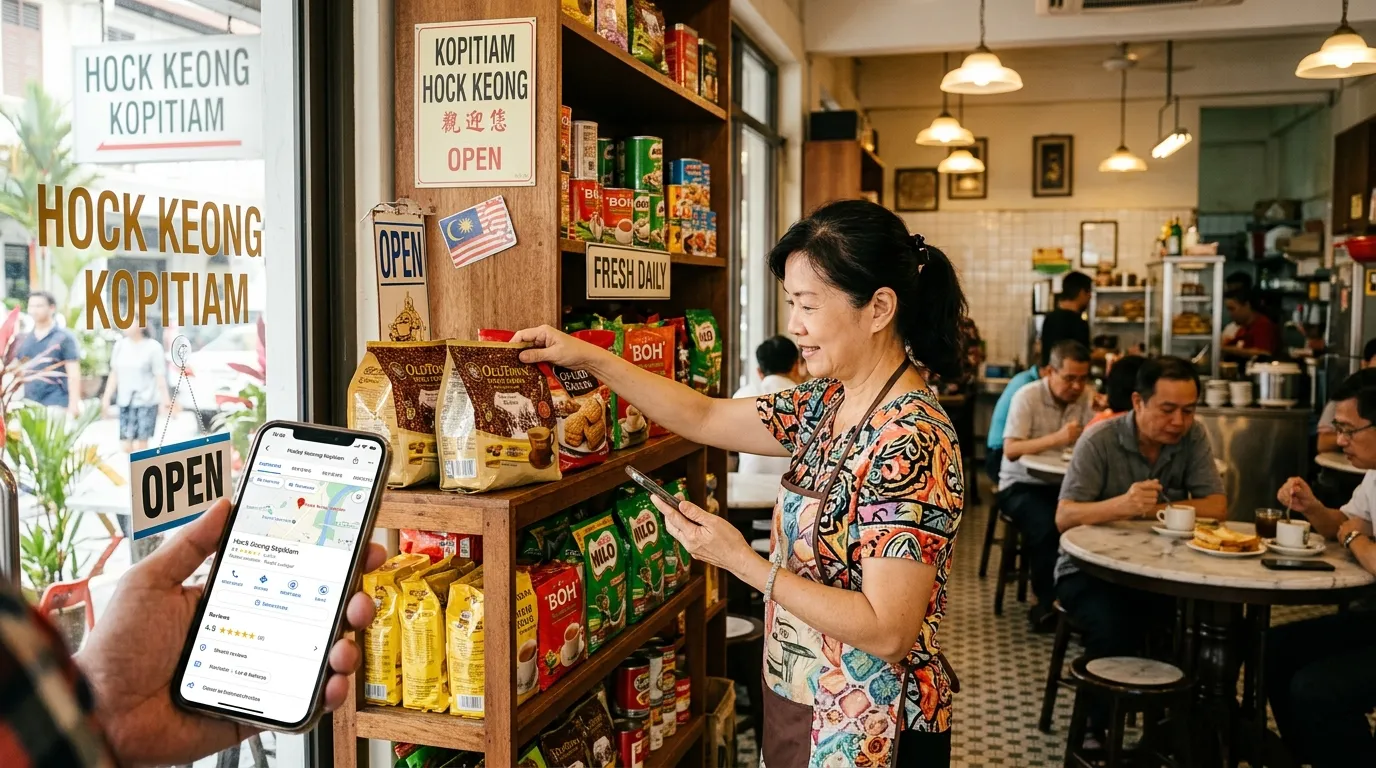
How to Optimise Your GBP for Bahasa Melayu Searches So Your Business Gets Found Easily
Have you ever typed "kedai makan berhampiran saya" or "dobi murah di Petaling Jaya" into Google and found a competitor's business appearing first — even though your shop is closer? That's no coincidence — it's the result of Google's algorithm giving priority to Google Business Profile (GBP) listings that are complete, accurate, and optimised for local-language searches.
Many small business owners in Malaysia don't realise that their GBP profile is showing up in Bahasa Melayu searches with incomplete or inaccurate information. As a result, local customers who are searching for your services in their mother tongue may not be able to find your business at all. According to a BrightLocal study (2024), 87% of users turn to Google to evaluate local businesses — which means your chances of attracting customers depend heavily on how well your GBP profile is optimised.
This step-by-step guide will help you, as a small and medium enterprise (SME) owner in Malaysia, optimise your GBP specifically for Bahasa Melayu searches — so that more local customers can find your business easily and accurately.
What You'll Need
Before you get started, make sure you have the following:
- A registered Google account (a business or personal Gmail account)
- Access to your Google Business Profile at business.google.com
- A claimed GBP profile — if you haven't done this yet, claim it first through Google's verification process
- Complete business information — name, address, phone number, operating hours, and business category
- Approximately 45 to 60 minutes of free time to complete all the steps
Time Required & Difficulty Level
- Time: 45 – 60 minutes (for the first time); 15 minutes for periodic updates
- Difficulty Level: Easy — suitable for beginners with no technical background
- Frequency: Review and update once every 3 months
Why Do Bahasa Melayu Searches Matter for Your GBP?
Before we get into the technical steps, it's important for you to understand why local-language optimisation makes such a big impact on your business.
Malaysian internet users frequently search for businesses using natural Bahasa Melayu phrases like "kedai runcit buka sekarang," "bengkel kereta berhampiran," or "tukang urut wanita Shah Alam." If the information in your GBP profile doesn't reflect these terms and language contexts, Google may not consider your profile relevant for those searches.
According to Moz (2023), GBP signals account for 36% of ranking factors in Google's Local Pack — the map and business listing section that appears at the top of local search results. This means a well-optimised GBP profile, including from a language standpoint, can give your business a significant competitive edge.
Step 1: Ensure Your Business Name Is Consistent and Recognisable
Check and standardise your business name in your GBP profile so that it matches the name used on your signage, name cards, and social media.
Google takes into account NAP (Name, Address, Phone) consistency across all platforms when determining local search rankings. If your business name is written differently across various places — for example, "Kedai Kek Puan Siti" on GBP but "Puan Siti Bakery" on Facebook — Google may get confused and reduce trust in your profile.
What you need to do:
- Log in to Google Business Profile and click on the "Info" section
- Check your business name — use your actual business name, not additional keywords
- Do not insert keywords into your business name (e.g. "Kedai Makan Sedap Murah Kuala Lumpur") — this violates Google's guidelines and may result in your profile being suspended
Step 2: Write Your Business Description in Natural Bahasa Melayu
Create a business description rich with Bahasa Melayu keywords that reflects your services and the way local customers search for businesses like yours.
The business description is one of the most frequently overlooked signals by Malaysian business owners — and it's a huge opportunity you can take advantage of. Google uses the content of this description to understand the context of your business, including the language being used.
What you need to do:
- Go to the "Info" section in GBP, then look for the "Add description" field
- Write a description of between 150 and 750 characters in Bahasa Melayu
- Include local keywords naturally — for example, the type of service, area name, and common search phrases your customers use
- Example of a good description: "Kami menyediakan perkhidmatan dobi layan diri dan hantar-ambil di kawasan Wangsa Maju sejak 2015. Buka setiap hari dari pukul 8 pagi hingga 10 malam. Hubungi kami untuk pertanyaan dan tempahan."
- Avoid overly generic descriptions like "We provide the best services" — they don't give useful information to Google or your customers
Step 3: Choose the Right and Relevant Business Categories
Set your primary and additional categories that most accurately describe your business, based on how Malaysian customers search for it.
GBP categories are among the most important factors in local search rankings. Google uses these categories to determine which searches your profile should appear in. Choosing the wrong category means you may not show up at all in relevant searches.
What you need to do:
- In the "Info" section, click "Categories"
- Select a primary category that is as specific and accurate as possible — for example, "Restoran Melayu" rather than just "Restaurant"
- Add secondary categories that are relevant (up to 10 categories are allowed, but only choose those that are truly applicable)
- Use the search tool within GBP and try Bahasa Melayu terms to find the most suitable category
Step 4: Fill In Your Operating Hours Accurately
Enter accurate and up-to-date operating hours, including special hours for public holidays or festive seasons.
When someone searches for "kedai buka sekarang" or "kedai buka malam Ahad," Google uses the operating hours data in your GBP to determine which businesses are relevant to display. A profile without complete operating hours automatically misses out on appearing in these types of searches.
What you need to do:
- Go to "Info" → "Hours"
- Enter your opening and closing times for each day of the week
- Correctly mark the days your business is closed — don't leave them blank
- Use the "Special hours" feature to enter operating hours during public holidays, Ramadan, or festive seasons
- Review and update your operating hours regularly, especially before major festive seasons
To find out more about how operating hours affect your GBP rankings, read our article: Pengaruh Business Hours dalam Ranking GBP.
Step 5: Optimise Business Attributes for Local Searches
Activate the relevant attributes in your GBP to help Malaysian customers find businesses that meet their specific needs.
Attributes are additional details about your business such as "Free parking available," "Free WiFi," "Family-friendly," or "Cash payment accepted." Malaysian customers often search using these specific features, and having complete attributes helps Google match those searches to your profile.
What you need to do:
- Go to "Info" → "Attributes" or "More info"
- Review all the attributes available for your business category
- Activate all attributes that are accurate and true — don't enable attributes that don't genuinely apply just to attract more customers
- Check periodically as Google frequently adds new attributes based on category
Learn how to use attributes more effectively in our article: Cara Guna GBP Attributes untuk Menarik Customer Tepat.
Step 6: Add Relevant, High-Quality Business Photos
Upload high-quality photos of your business that reflect your environment, products, and services to local customers.
Photos aren't just there to attract attention — they also influence customer trust and decision-making. According to Google (2024), businesses with more photos receive more requests for directions and clicks to their website compared to businesses without photos. On top of that, consistently uploaded photos signal to Google that your profile is active and up to date.
What you need to do:
- Go to the "Photos" section in GBP
- Upload at least the following photos: your business logo, exterior shots of your premises, interior shots, photos of your main products or services, and team photos
- Make sure photos are well-lit, sharp, and present your business in a positive light
- Upload new photos at least once a month to maintain your profile's activity signals
Step 7: Manage and Respond to Reviews in Bahasa Melayu
Actively respond to all customer reviews, especially in Bahasa Melayu, to build trust and strengthen the engagement signals on your profile.
Google reviews are an important ranking factor. More importantly, how you respond to reviews — including the language you use — shows potential local customers that your business is friendly and responsive. When you reply in Bahasa Melayu, it also adds relevant Bahasa Melayu content to your profile, which can help with local-language searches.
What you need to do:
- Go to the "Reviews" section in GBP
- Reply to every review — both positive and negative — within 24 to 48 hours
- For positive reviews: express gratitude and naturally mention your business name and the service provided
- For negative reviews: acknowledge the issue, apologise politely, and offer a resolution — don't argue publicly
- Example of a good reply: "Terima kasih kerana sudi berkunjung ke Kedai Roti Kita, Encik Azri! Kami amat gembira anda berpuas hati dengan roti canai kami. Nantikan promosi minggu hadapan ya!"
Step 8: Use GBP Posts in Bahasa Melayu
Create GBP posts regularly in Bahasa Melayu to share promotions, updates, and the latest announcements from your business.
GBP posts appear directly in Google search results when someone views your business profile. Posts in Bahasa Melayu are not only easier for local customers to understand — they also add fresh content to your profile, which sends positive signals to Google's algorithm.
What you need to do:
- Go to the "Posts" or "Add update" section in GBP
- Create a post at least once a week
- Use the appropriate post type: "Offer" for promotions, "Event" for special programmes, or "Update" for general announcements
- Write your post text in clear and concise Bahasa Melayu — include a call-to-action such as "Hubungi kami sekarang" or "Lawati kami hari ini"
- Include an eye-catching photo in every post
Step 9: Optimise for "Near Me" Searches and Voice Search
Ensure your location details are accurate and that your description contains local phrases that reflect how people speak and search in Bahasa Melayu.
Voice search is becoming increasingly popular in Malaysia, and many users search for businesses using conversational questions like "Di mana kedai hardware berhampiran sini?" or "Cari doktor gigi buka hari Ahad." A GBP profile optimised with these phrases will be more easily matched to local voice searches.
What you need to do:
- Make sure your location pin on Google Maps is accurate — verify this through Google Maps
- In your description, naturally include the name of your neighbourhood, town, and nearby main roads
- Add phrases such as the name of the housing estate or area that local residents are familiar with
For a complete guide on this topic, read: Cara Optimize GBP untuk Near Me Search Malaysia and GBP untuk Voice Search — Cara Prepare Bisnes Kau.
Step 10: Audit Your GBP Profile with GBPAuditLab
Run a thorough audit of your GBP profile using a dedicated audit tool to ensure no important elements are being overlooked.
Manually optimising your GBP is a good starting point, but without a thorough review, you may miss hidden issues that are preventing your profile from reaching its best possible ranking. This is the final and most important step to ensure that all your efforts in the previous steps deliver maximum results.
What you need to do:
- Visit GBPAuditLab.com and enter your GBP profile name or link
- Review the audit report generated — it will identify the weak areas in your profile
- Prioritise fixes based on the recommendations in the report, starting with the most critical issues
- Schedule a re-audit every 3 months to ensure your profile stays optimised at all times
If you're facing other issues with your GBP profile, refer to our troubleshooting guide: GBP Troubleshooting Malaysia — Semua Masalah & Penyelesaian.
Summary: Your Business Deserves to Be Found in Bahasa Melayu
Optimising your GBP for Bahasa Melayu searches isn't just about translation — it's about ensuring your profile reflects the actual way local customers search for businesses like yours. From a description rich with local context, accurate operating hours, and relevant attributes, to reviews and posts in Bahasa Melayu — every one of these elements works together to increase the likelihood of your business being found by the right customers at the right time.
According to Google (2024), complete and accurate GBP information directly improves your local search rankings. So, start today — review your GBP profile, update every section according to the steps in this guide, and use GBPAuditLab.com to make sure no opportunity is left on the table.