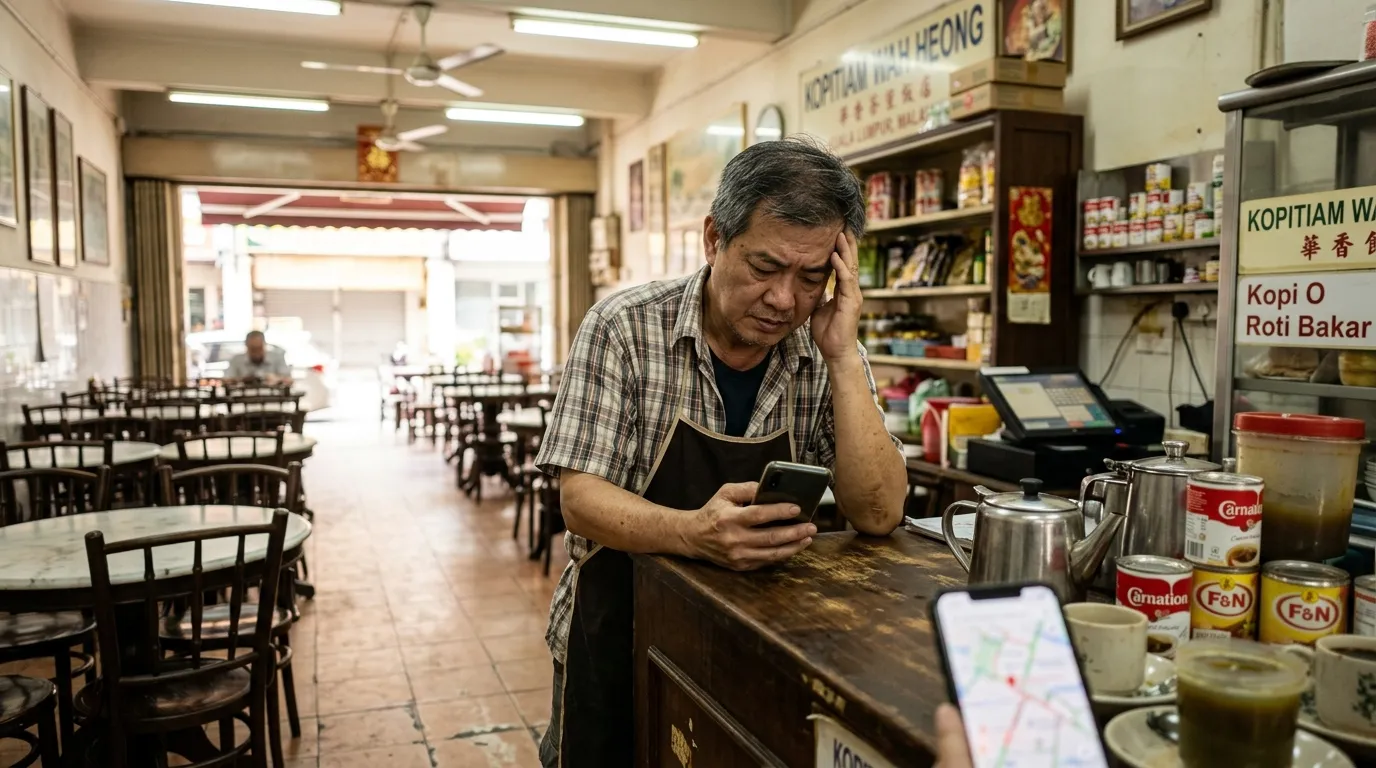
GBP Suspended Malaysia — Causes, How to Appeal and How to Prevent It
Has your Google Business Profile (GBP) been suddenly suspended without any warning? You are not alone. Many small and medium enterprise (SME) owners in Malaysia face the same situation — a profile that has been generating customers organically suddenly disappears from Google Maps and local search. This article will uncover the hidden causes behind GBP suspensions, concrete steps to file an appeal, and the most effective ways to prevent it from happening — including using a systematic GBP audit before the problem occurs.
What You Need Before You Begin
Before following this guide, make sure you have the following ready:
- A Google account used to register your business GBP
- Access to Google Business Profile Manager at business.google.com
- Business supporting documents — SSM registration, utility bills, shop signage (photos), or any valid proof of physical address
- At least 30–60 minutes of free time to complete the appeal form thoroughly
Time Required: 30–60 minutes (for the appeal) + 3–7 working days (Google's review period)
Difficulty Level: Easy — suitable for SME owners who are just starting out
Why a GBP Suspension Is a Serious Issue for Malaysian SMEs
According to a BrightLocal study (2024), 87% of internet users use Google to evaluate local businesses before making a purchasing decision. This means that when your GBP is suspended, you are effectively "non-existent" in local search — customers cannot find you, contact you, or get directions to your shop.
More worryingly, Moz data (2023) shows that GBP signals account for 36% of the ranking factors in the Google Local Pack. A suspension does not just cause your profile to disappear — it also affects your business's overall digital presence in the long run.
Step 1: Identify Your GBP Suspension Status
Check your profile status carefully to understand the type of suspension you are facing.
There are two types of GBP suspensions:
Soft Suspension
Your profile is still visible in Google Search, but you lose management control. You cannot update information, reply to reviews, or add photos. This often happens when Google suspects suspicious activity on your profile's management account.
Hard Suspension
Your profile disappears entirely from Google Maps and local search. This is a more serious case and requires a more thorough appeal process.
To check your status, log in to business.google.com and see whether there is a warning notice or "Suspended" label on your profile.
Step 2: Identify the Cause of Your GBP Suspension
Understand the most common reasons GBPs get suspended in Malaysia before filing your appeal.
Google rarely provides a specific reason, but based on patterns identified by the business owner community and GBP experts, here are the most common causes:
Cause #1: Business Name Contains Excessive Keywords
Including keywords in your business name that do not match your official registered name — for example, "Kedai Runcit Ali | Murah | 24 Jam Cheras" — is one of the most frequent violations that leads to GBP suspension. Google treats this as spam.
Cause #2: Invalid or Unverifiable Address
Using a virtual office address, a home address that is inconsistent with public records, or an address that is inaccurate on Google Maps can trigger a manual review by Google.
Cause #3: Inappropriate Business Category
Selecting a category that is unrelated to your actual business — for example, registering as a "Hospital" when you are running a small panel clinic — can raise red flags.
Cause #4: Duplicate Profile
Having more than one GBP for the same location is a direct violation of Google's policies. This often happens when business owners re-register without realising their old profile still exists.
Cause #5: Suspicious Management Activity
Changing information too frequently within a short period, or adding and removing profile managers abruptly, can trigger Google's automated systems.
Cause #6: Fake Reviews or Rating Manipulation
Receiving a large number of reviews in a short period, especially from newly created accounts, is a serious red flag for Google.
Important Fact: GBPAuditLab audit data shows that 100% of audited businesses had no complete description on their profile. An incomplete profile does not just lower your search ranking — it also increases the risk of your GBP being classified as an illegitimate profile by Google's automated systems.
Step 3: Gather Supporting Documents for Your Appeal
Prepare all the necessary evidence before filling in the appeal form.
Google requires strong proof that your business is legitimate and operating at the registered address. Recommended documents include:
- SSM registration certificate (Suruhanjaya Syarikat Malaysia) — the most important document
- Recent utility bill (electricity, water, or telephone) in the business name at that address
- Clear photo of your shop signage showing the business name
- Photos of the interior of your shop showing business activity
- Photo of the building exterior with the address number clearly visible
Make sure all photos submitted are clear, recent, and in colour — not black-and-white or blurry images.
Step 4: Submit Your Appeal Through Google
Carry out the appeal process systematically by following these steps.
How to Submit a GBP Appeal:
- Log in to business.google.com
- Click on the suspended profile
- Find and click the "Appeal" or "Request Review" button
- Fill in the appeal form with complete and accurate business information
- Upload the supporting documents you have prepared
- In the explanation field, clearly describe your type of business, how long you have been operating, and why you believe your profile does not violate Google's policies
- Click "Submit" and note down the case number provided
Important Note: Do not submit more than one appeal at the same time. Submitting repeated appeals within a short period will slow down the review process.
The review process typically takes 3 to 7 working days, but in some cases it may take up to 14 days. If your appeal is rejected, you can still reach out to Google support via Twitter/X (@GoogleMyBiz) or the Google Business Profile community forum.
Step 5: Improve Your GBP Profile After a Successful Appeal
Update and complete your GBP profile promptly once access is restored.
This is the best opportunity to ensure your profile meets all of Google's requirements. Here is a checklist of things to do:
- ✅ Ensure your business name matches exactly with the name on your SSM certificate
- ✅ Add a complete business description — state your products/services, areas served, and what makes your business unique
- ✅ Enter accurate operating hours — including special hours for public holidays
- ✅ Upload at least 10 high-quality photos (interior, exterior, products, and team)
- ✅ Verify that your phone number is an active Malaysian number
- ✅ Add your website link if you have one
GBPAuditLab Data: Out of 20 audits conducted over the past 90 days, 60% of businesses had no website link and 5% had no operating hours on their profile. The absence of this basic information does not just reduce Google's trust — it also makes your profile appear incomplete and potentially illegitimate in the eyes of Google's automated systems.
Step 6: Prevent GBP Suspension with Regular Audits
Implement systematic GBP audits on a regular basis to detect suspension risks before they occur.
Prevention is far better than going through an appeal process that takes time and disrupts your business. Here are the best practices to avoid suspension:
Daily Prevention Practices:
- Do not change your business name, address, or phone number abruptly without solid justification
- Monitor notifications from Google Business Profile promptly
Monthly Prevention Practices:
- Check your profile to ensure there are no unauthorised changes (especially if you have multiple profile managers)
- Respond to all customer reviews — both positive and negative — in a professional manner
- Ensure all uploaded photos comply with Google's policies
Use a Systematic GBP Audit:
The most effective way to detect suspension risks is to conduct a thorough audit of your GBP profile. GBPAuditLab (gbpauditlab.com) is purpose-built to help Malaysian SMEs identify profile weaknesses before they become a bigger problem.
With an average audit score of 70.4/100 based on our latest data, the majority of Malaysian businesses still have significant room for improvement — and the most commonly neglected signal is the business description, which is one of the most important elements in demonstrating business legitimacy to Google.
For related articles, you may want to read Why Isn't My GBP Showing Up on Google Maps? (7 Reasons) and GBP Photos Rejected — Why and How to Fix It to gain a deeper understanding of related GBP issues.
Summary: 6 Steps to Resolve a GBP Suspension in Malaysia
| Step | Action | Time Required |
|---|---|---|
| 1 | Identify the type of suspension | 5 minutes |
| 2 | Understand the cause of suspension | 10 minutes |
| 3 | Gather supporting documents | 15–20 minutes |
| 4 | Submit appeal through Google | 15 minutes |
| 5 | Improve profile after successful appeal | 30–60 minutes |
| 6 | Conduct regular audits for prevention | Ongoing |
Start Your GBP Audit Today
Do not wait until your GBP is suspended before taking action. An incomplete profile, an inconsistent business name, or photos that do not comply with Google's policies are ticking time bombs that could cause a suspension at any time.
Use GBPAuditLab today to get a comprehensive audit report of your business GBP profile — free, fast, and purpose-built for Malaysian SMEs. Identify suspension risks before they happen, and make sure your business is always visible and easy to find by customers across Malaysia.
Google (2024) confirms that "complete and accurate GBP information improves rankings in local search" — start by making sure your profile is spot-on today.