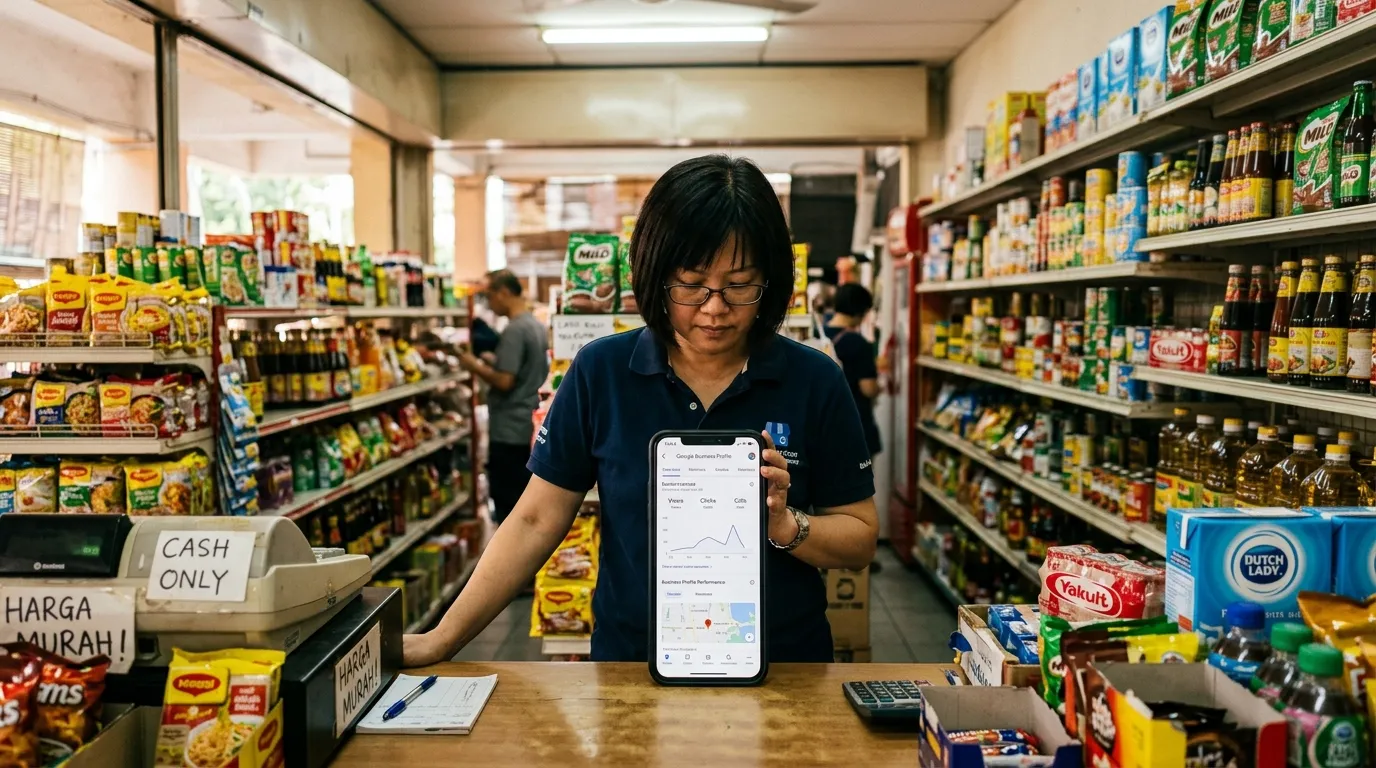
GBP Troubleshooting Malaysia — All Problems & Solutions for Your Business
Have you ever found your Google Business Profile (GBP) suddenly disappearing from search results, displaying inaccurate information, or customer reviews not showing up? You are not alone. Many small and medium enterprise (SME) owners in Malaysia face the same GBP problems, yet most of them do not know where to start when it comes to resolving them. Worse still, many rely on Facebook groups or wait for Google support that is slow to respond — while every passing day means potential customers lost.
According to BrightLocal, 87% of consumers used Google to evaluate local businesses in 2023. This means your GBP is not merely an option — it is the lifeblood of your business's digital presence. This article presents the most common GBP problems faced by Malaysian SMEs, along with practical solutions you can act on today.
1. Inconsistent or Incomplete Business Information
One of the most common GBP problems is inconsistent business information — where the name, address, and phone number (NAP) differ across your GBP, website, and other directories. This inconsistency not only confuses potential customers, but also harms your ranking in local search results.
Google clearly states that complete and accurate GBP information improves local search rankings. Meanwhile, Moz reports that GBP signals contribute as much as 36% of local pack ranking factors — making information accuracy an absolute priority.
Solutions:
- Log in to Google Business Profile Manager and review every information field.
- Ensure your business name, address, phone number, and operating hours are consistent with what is listed on your website and other platforms.
- Add a complete business description — many business owners overlook this field, yet it helps Google understand the context of your business.
- Upload at least 5 high-quality photos to boost customer trust.
2. GBP Not Showing Up on Google Maps or Local Search
Are you searching for your business name on Google Maps but it is not appearing? This is among the most frequently raised complaints by Malaysian SMEs. There are several main causes behind this problem.
Common causes:
- Unclaimed profile: A profile that exists in Google's system but has not been verified by the owner will not be displayed optimally.
- Verification not completed: The verification process via postcard, phone call, or video may not have been completed.
- Profile suspension: A GBP that violates Google's guidelines will be suspended without clear warning.
- Incorrect service area settings: Businesses without a physical address need to set their service area correctly.
For a more detailed explanation of the specific reasons why your GBP is not showing up, refer to our article: Why Is My GBP Not Showing Up on Google Maps? (7 Reasons).
Solutions:
- Check your profile's verification status in Google Business Profile Manager.
- If your profile has been suspended, understand the reason for the suspension and follow the correct appeal process. A full guide on this can be found in our article: GBP Suspended — Reasons, How to Appeal and Prevent.
- Ensure the business category you have selected is accurate and relevant to your services.
3. Problematic Customer Reviews — Missing, Fake, or Unanswered
Reviews are among the most valuable assets in your GBP. However, many business owners face situations where positive reviews suddenly disappear, fake negative reviews appear, or there is no consistent system in place to respond to reviews.
A sudden drop in reviews often causes panic, but most of the time there is a logical technical explanation. The most common causes include Google's spam filter being overly aggressive, a reviewer's account being suspended, or changes in Google's policies affecting older reviews.
To understand more deeply why reviews can go missing and what steps to take, read our article: Reviews Missing from GBP — Why It Happens and What You Can Do.
Solutions:
- Respond to every review — whether positive or negative — within 24 to 48 hours. This demonstrates professionalism and builds trust with potential customers.
- Report reviews that violate Google's policies using the flag function available.
- Encourage existing customers to leave genuine reviews after receiving your services.
- Never purchase fake reviews — this can result in your profile being permanently suspended.
4. Profile Photos and Media Rejected or Not Displaying
Photos are the first visual element potential customers see. However, there are times when uploaded photos are rejected by Google without any clear reason, or photos do not display even after a successful upload.
Reasons for photo rejection include content that violates Google's policies (such as excessive text on images, offensive content, or photos unrelated to the business), file sizes that are too small, or unsupported file formats.
If you are facing this issue, our article GBP Photos Rejected — Why It Happens and How to Fix It provides a step-by-step guide to resolving it.
Solutions:
- Use photos in JPG or PNG format with a minimum size of 720 x 720 pixels.
- Avoid excessive text, oversized logos, or overly promotional content in your photos.
- Upload authentic photos that represent your premises, products, team, and business atmosphere.
- Review photos uploaded by other users (customers) — you can report any photos that are inappropriate.
5. GBP Phone Number Not Working or Unreachable
Imagine a customer who is ready to contact your business, but the number listed on your GBP cannot be reached. This not only causes you to lose a sale, but also creates a negative impression of your business's professionalism.
This problem can stem from a number entered incorrectly during registration, a number that has changed but has not been updated in the profile, or technical issues that cause Google to not allow certain numbers to be displayed.
For a detailed guide on how to resolve this issue, refer to our article: GBP Phone Number Not Working — How to Fix It.
Solutions:
- Check and update your phone number in GBP regularly, especially after a number change.
- Use a local Malaysian phone number (prefix +60) rather than international numbers or VoIP numbers that may not be fully supported.
- Test your phone number regularly by calling it yourself or asking a friend to test it.
6. Why a Systematic GBP Audit Is the Best Solution
Having understood the various GBP problems discussed above, an important question arises: how do you monitor all these aspects consistently without spending hours every week?
The answer is through a systematic GBP audit. Unlike a reactive approach — where you only respond after a problem has already occurred — a systematic audit helps you identify profile weaknesses before they impact your business.
A good audit approach will evaluate:
- Information completeness: Are all fields filled in accurately and completely?
- NAP consistency: Are the name, address, and phone number consistent across all platforms?
- Review management: Are reviews being responded to consistently and professionally?
- Photo quality: Do the photos displayed reflect your business well?
- Local SEO signals: Are relevant keywords integrated naturally in your GBP description and posts?
- Verification status: Has the profile been claimed and fully verified?
Without a systematic audit, small issues that could easily be resolved will continue to grow into major problems that cost your business dearly — in terms of both search rankings and customer trust.
Conclusion: Do Not Wait for Problems to Come — Audit First
GBP troubleshooting in Malaysia does not have to be a confusing or time-consuming process. By understanding the common problems discussed in this article and taking proactive action through a systematic audit, you can ensure your business's GBP is always in optimal condition — and remains relevant in the eyes of local customers.
Remember, every weakness in your GBP is an opportunity handed over to your competitors. Do not let that happen.
Start your free GBP audit today at gbpauditlab.com. Within minutes, you will know exactly which parts of your GBP need immediate attention — without having to rely on guesswork or wait for slow support responses.