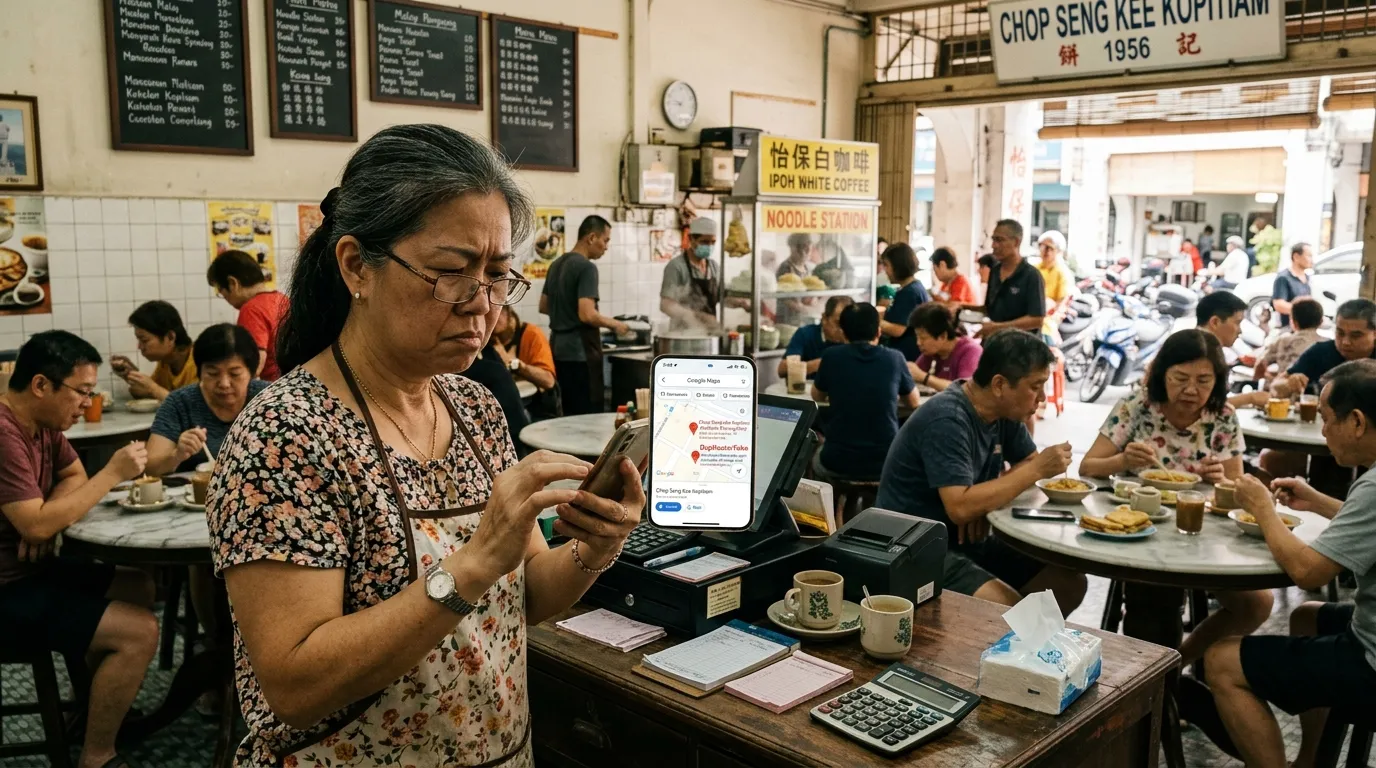
How to Handle Spam and Fake Business Listings Near You
Imagine you've spent years building your business reputation, then suddenly customers start going to competitors you've never even heard of. Chances are, those competitors are using spam or fake Google Business Profile (GBP) listings to outrank your business in Google Maps search results. This isn't some far-fetched scenario — it happens every single day to small and medium enterprise (SME) owners all across Malaysia.
According to BrightLocal (2024), 87% of consumers use Google to evaluate local businesses before making a purchase decision. If a fake listing appears above yours, you're losing genuine customers to an entity that doesn't even exist. This guide will walk you through how to identify, report, and protect your business from spam GBP listing threats, step by step.
What You'll Need
Before you get started, make sure you have the following:
- An active Google account (personal or business account)
- Access to Google Maps via a web browser or mobile app
- Your own Google Business Profile that has been claimed
- Roughly 30–60 minutes to carry out a full check
- Optional: An account at GBPAuditLab.com for a thorough audit
Difficulty Level: Easy (suitable for beginners) Time Required: 30–60 minutes
Why Are Spam and Fake GBP Listings Dangerous to Your Business?
Before we get into the technical steps, it's important to understand why this threat needs to be taken seriously.
GBP signals account for 36% of local pack ranking factors according to Moz (2023). This means an optimised listing — even a fake one — can dominate your local search results. Spam listings typically use tactics such as:
- Keyword stuffing in the business name (e.g. "Cheapest Best Car Repair Shop KL Urgent")
- Fake addresses or addresses borrowed without permission
- Fake reviews that are bought or manipulated to boost ratings
- Stolen photos from legitimate businesses
- Phone numbers redirected to other entities
Businesses that fall victim to these tactics will lose their ranking on Google Maps, lose customer trust, and ultimately lose real revenue.
Step 1: Identify Spam and Fake Listings in Your Area
Search for businesses in your category on Google Maps
Open Google Maps and type in your business keyword along with your location — for example, "laundry shop Shah Alam" or "car workshop Johor Bahru".
Pay attention to the businesses that appear in the Local Pack (the top three listings) and on the map. Keep a list of suspicious competitors to check further.
Check for warning signs on suspicious listings
Click on each listing that raises suspicion and look out for the following:
| Warning Sign | Description |
|---|---|
| Name contains excessive keywords | E.g. "Cheapest 24-Hour Plumber KL Best Urgent" |
| No photos or inconsistent photos | Photos taken from various different locations |
| Address doesn't exist or is inaccurate | Pin placed on an empty area or another building |
| High rating but all recent reviews are 5 stars | Reviews written within the same short time period |
| No website or phone number | Minimal information that cannot be verified |
| Unreasonable operating hours | Open 24 hours a day for an ordinary service |
Use Street View to verify the physical address
Click the Street View icon on the suspicious listing. If the registered address shows a residential area, an empty building, or a location that has nothing to do with the business, that's a strong sign the listing is fake.
Step 2: Document Your Evidence Before Making a Report
Take screenshots of all evidence
Before reporting, gather solid evidence. Google needs sufficient information to process your complaint seriously. Document the following:
- The full URL of the suspicious listing (copy it from the browser address bar)
- Screenshots of the business name, address, phone number, and reviews
- Street View screenshots showing the address doesn't exist
- Any proof of fraudulent activity such as reviews that are clearly bought
Note any patterns you find
If you come across more than one suspicious listing from the same "owner" — for example, several listings with a similar naming style or similar phone numbers — this points to a more organised spam operation. Record all of this information as it will strengthen your report.
Step 3: Report Fake Listings Through Google Maps
Click "Suggest an edit" or "Report a problem"
There are two main ways to report a suspicious listing:
Method A — Directly through Google Maps:
- Open the listing you want to report on Google Maps
- Scroll down and click "Suggest an edit"
- Select "Close or remove this place"
- Choose the most appropriate reason: "This place doesn't exist", "Duplicate", or "Fraud"
- Click "Submit"
Method B — Through the Knowledge Panel:
- Search for the business on Google Search
- Click "Report inaccurate information" at the bottom of the Knowledge Panel
- Fill in the form with the information you've documented
Submit a report through Google Business Profile Help
For more serious cases — especially if the fake listing is directly using your business name or address — you'll need to contact Google directly:
- Go to support.google.com/business
- Sign in with your Google account
- Select "Report a policy violation"
- Attach all the evidence you've gathered
- Provide a detailed and clear description
Important Tip: The more complete and specific your report, the higher the chance Google will take action. Don't just click "Report" without providing context.
Step 4: Strengthen Your Own GBP Listing
Reporting fake listings alone isn't enough. You need to make sure your own GBP listing is strong enough to compete and earn the trust of both Google and your customers. According to Google (2024), complete and accurate GBP information directly improves local search ranking.
Ensure all basic information is complete and accurate
Check that your listing has:
- ✅ An accurate business name (without keyword stuffing)
- ✅ A legitimate and verifiable physical address
- ✅ An active and reachable phone number — if there are issues, refer to GBP Phone Number Can't Be Called — How to Fix
- ✅ Accurate and up-to-date operating hours
- ✅ The correct and relevant business category
- ✅ An active website (if applicable)
Add authentic, high-quality photos
Listings with plenty of authentic photos are harder for spammers to copy. Upload real photos of your premises, products, team members, and work processes. If your photos are being rejected, refer to the guide GBP Photos Rejected — Why and How to Fix.
Activate genuine review collection
Genuine reviews from real customers are your best defence. Encourage satisfied customers to leave a review. Consistent reviews over time signal to Google that your business is legitimate and active. If your reviews suddenly disappear, check the guide Reviews Missing from GBP — Why It Happens and What You Can Do.
Step 5: Monitor Your Area Regularly
Set a monthly review schedule
GBP spam threats are not a one-and-done problem. Spammers are constantly creating new listings. Set a calendar reminder to check your area at least once a month.
During your monthly review, redo Step 1 — search for your business category on Google Maps and check whether any new suspicious listings have appeared.
Use Google Alerts as an early warning system
- Go to google.com/alerts
- Create an alert for your business name
- Create an alert for your business name along with your location (e.g. "ABC Shop Petaling Jaya")
- Set the frequency: "As-it-happens" or "Once a day"
This will notify you every time your business name is mentioned online — including if someone else is using it without your permission.
Step 6: Run a Thorough GBP Audit with GBPAuditLab
All the steps above help you deal with external threats. But what if the real weakness lies in your own GBP listing that hasn't been fully optimised? A weak listing is more easily "beaten" by competitors — including those using unethical tactics.
This is where GBPAuditLab.com plays an important role.
Run your free GBP audit now
GBPAuditLab analyses your GBP listing thoroughly and provides a clear report on:
- Profile completeness — has all the important information been filled in?
- Information accuracy — is your name, address, and phone number (NAP) consistent?
- Visual strength — are your photos sufficient and high quality?
- Trust signals — do your reviews reflect an active business?
By knowing exactly where your GBP weaknesses are, you can take immediate action to strengthen them — and reduce the risk of being "buried" by spam listings.
🔍 Start your free GBP audit at GBPAuditLab.com today and get a full report in just a few minutes.
If your GBP suddenly stops appearing in Maps after taking action against spam competitors, check the guide Why Is My GBP Not Showing on Google Maps? (7 Reasons). And if your profile has ever been suspended, refer to GBP Suspended — Reasons, How to Appeal and Prevent for the full guide.
Summary: Your Action Plan
| Step | Action | Priority |
|---|---|---|
| 1 | Identify suspicious listings in your area | High |
| 2 | Document evidence thoroughly | High |
| 3 | Report to Google Maps and GBP Support | High |
| 4 | Strengthen your own GBP listing | Critical |
| 5 | Monitor your area every month | Medium |
| 6 | Run a GBP audit with GBPAuditLab | Critical |
Spam and fake GBP listing threats are a reality that Malaysian SME owners cannot afford to ignore. By taking proactive action today, you're not only protecting your business from unfair competition — you're also building a stronger digital presence that your customers can truly trust.