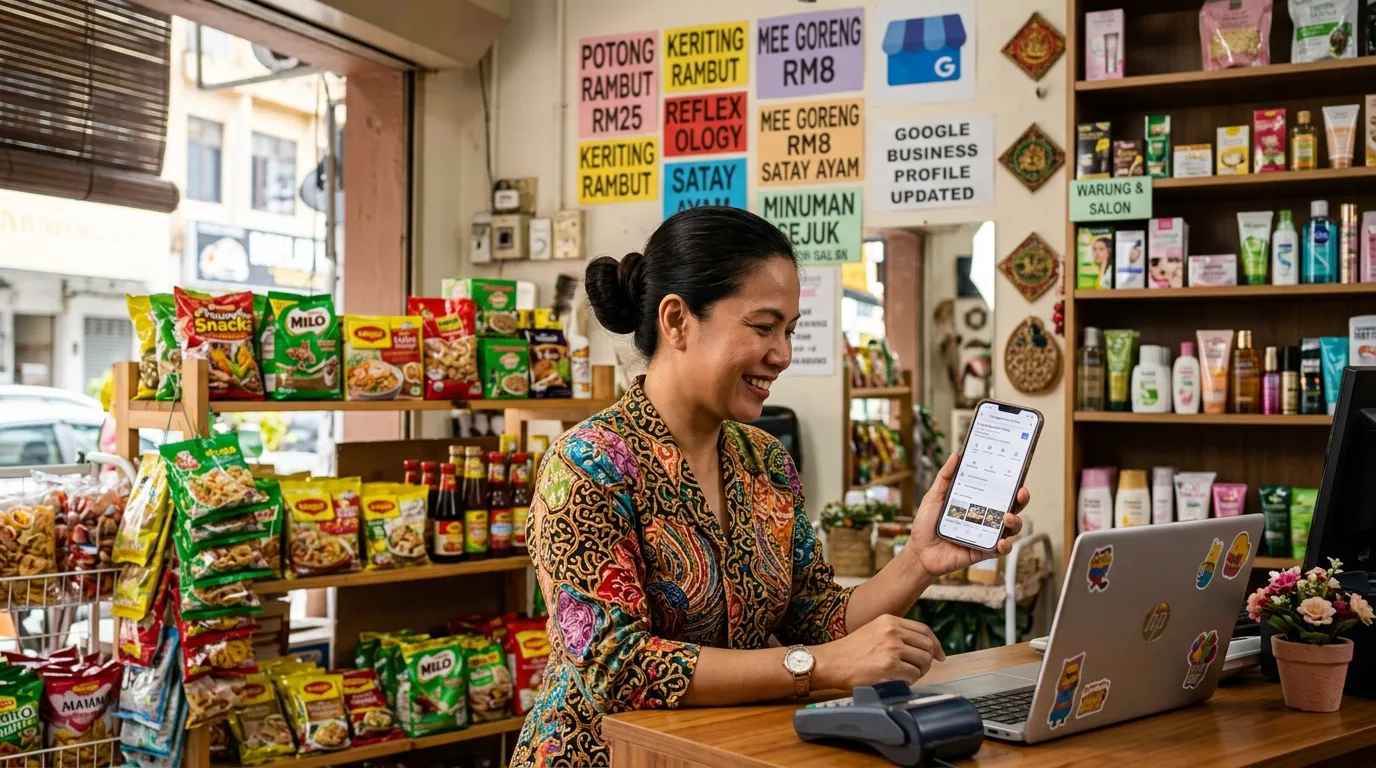
How to Set Up the Services Section in Your GBP Correctly
Have you ever wondered why your neighbour's business shows up in local Google searches, while your shop or service is nowhere to be found? One of the main reasons that is often overlooked by small business owners in Malaysia is the Services section in Google Business Profile (GBP) being incomplete or filled in incorrectly. According to Moz (2023), GBP signals contribute as much as 36% of ranking factors in local search — making every section of your profile, including the services list, critically important to complete properly.
This guide will walk you through step by step on how to correctly set up the GBP Services section in Malaysia, so that your business is easier to find by the right customers at the right time.
What You Will Need
Before you get started, make sure you have the following:
- A Google Account linked to your business GBP
- Admin access to your GBP profile (a profile that has already been claimed and verified)
- A list of services your business offers, including the name, a brief description, and pricing (if applicable)
- Approximately 30 to 45 minutes to complete this section properly
Haven't verified your GBP yet? Refer to our guide: How to Verify Google Business Profile Malaysia (All Methods)
Time Required & Difficulty Level
- Time: 30 – 45 minutes
- Difficulty Level: Easy (suitable for business owners who are just starting out with GBP)
Why Is the Services Section So Important?
Many small business owners in Malaysia treat the Services section as just additional information. The truth is, Google uses this information to match your business with customer search queries. When someone types "cheap aircon service Kuala Lumpur" or "wedding dress tailoring Johor Bahru", Google will check whether those services are listed in your profile.
According to Google (2024), complete and accurate GBP information directly improves your ranking in local search. Furthermore, BrightLocal (2024) reports that 87% of users use Google to evaluate local businesses — meaning your customers are doing exactly the same.
If your Services section is empty or incomplete, you are essentially handing an advantage to your competitors who have already filled in their information correctly.
Steps to Set Up the GBP Services Section
Step 1: Log In and Access Your GBP Profile
Open Google Business Profile via business.google.com and log in using the Google account linked to your business.
Once logged in, select the business profile you want to update. If you manage more than one location, make sure you select the correct one. For more information on managing multiple locations, you can refer to the guide How to Add Multiple Locations in One GBP Account.
Step 2: Navigate to the "Services" Section
Click on the "Edit Profile" or "Edit Services" menu in your GBP dashboard. Look for the tab or section labelled "Services".
Do bear in mind that the availability of the Services section depends on the business category you selected when registering your GBP. Some categories, such as retail or restaurants, may not display the Services tab directly. Instead, they use the "Menu" or "Products" section. If you cannot see the Services tab, double-check your primary business category — it may need to be updated. The guide How to Choose the Right GBP Category — Malaysia Guide can help you with this.
Step 3: Understand the Structure of the Services Section
Familiarise yourself with the two main elements in the Services section before you start filling it in:
- Service Category: A broad grouping that organises your services. For example, a cleaning company might have categories like "Home Cleaning", "Office Cleaning", and "Post-Renovation Cleaning".
- Individual Service: Specific services listed under each category. For example, under "Home Cleaning" you might have "Window Cleaning", "Carpet Cleaning", and "Sofa Cleaning".
Understanding this structure is important so you do not mix up categories and individual services, which can confuse potential customers.
Step 4: Add a Service Category
Click the "Add a service category" button (or its equivalent in your GBP interface) to create your first service grouping.
Use category names that are clear, descriptive, and relevant to what customers typically search for. Avoid overly generic names like "Our Services" — instead, use more specific names such as "Aircon Installation", "Servicing & Maintenance", or "Home Electrical Repair".
As a guideline, start with 3 to 5 categories that represent the core offerings of your business. Do not try to list everything at once — focus on the services that are most frequently searched for by your target customers.
Step 5: Add Individual Services Under Each Category
Fill in each individual service with the following information:
- Service Name: Use keywords that customers commonly type into Google. For example, "Install 1HP Aircon" is better than simply "Installation".
- Service Description: Write 1 to 2 sentences describing what is included in the service. This is a golden opportunity to naturally incorporate relevant keywords.
- Price (Optional): If your service has a fixed price or a price range, fill in this information. Price transparency builds customer trust and helps you attract customers who fit their budget.
Practical example for a self-service laundry business:
| Service Name | Description | Price |
|---|---|---|
| Standard Wash & Dry | Wash and dry service for everyday clothing, capacity up to 8kg | RM8 – RM12 |
| Blanket & Comforter Wash | Specialised wash for thick blankets and comforters, using large-capacity machines | RM15 – RM25 |
| Fold & Arrange Service | Neatly fold and arrange clothing after the wash and dry process | RM5 |
Step 6: Optimise Service Descriptions with Local Keywords
Write descriptions that naturally incorporate relevant local keywords. This means mentioning the location or context of your service in the description where appropriate.
For example, instead of writing: "We clean your home."
Write: "Professional home cleaning service for the Petaling Jaya and Shah Alam areas, including floor, window, and bathroom cleaning."
This approach helps Google understand where you operate and what you offer — two pieces of information that are absolutely critical for local search. Remember, your goal is to appear in local GBP Services searches that are relevant to your business area.
Step 7: Review and Avoid Common Mistakes
Review your services list and make sure you are not making the following mistakes that are commonly made by small business owners in Malaysia:
- ❌ Service names that are too generic — "Service" or "Product" does not provide useful information to Google or to customers.
- ❌ Empty descriptions — Leaving the description field blank means you are missing out on an opportunity to include keywords and reassure potential customers.
- ❌ Services that are irrelevant to your GBP category — Do not list services that have nothing to do with your type of business, as this can confuse Google's algorithm.
- ❌ Misleading pricing information — If your prices vary, use a price range or state "Prices starting from RM___" so that customer expectations are managed properly.
- ❌ Not updating your services list — Services that are no longer offered but are still listed can result in negative reviews from disappointed customers.
Step 8: Save and Wait for Google's Approval
Click the "Save" button after you have finished adding or updating each service.
Please be aware that Google may take a few hours to a few days to review and display your changes in search results. This is a normal process — there is no need to worry as long as the information you have entered is accurate and complies with Google's guidelines.
While waiting, you can use that time to ensure that other sections of your GBP profile are also complete, such as photos, operating hours, and your business description.
Step 9: Audit Your GBP Profile with GBPAuditLab
Run a full audit of your GBP profile using GBPAuditLab at gbpauditlab.com to identify any gaps that may still exist in your profile — including within the Services section.
GBPAuditLab will thoroughly review your GBP profile and provide a clear report on which sections are already complete, which need improvement, and which are critical to fix immediately. This is the fastest way to ensure you are not missing any important signals that could affect your ranking in local search.
Take action now: Do not let your competitors get ahead of you simply because their services list is more complete. Audit your GBP profile for free at gbpauditlab.com today.
Advanced Tips to Maximise Your Services Section
Align Your Services with Customer Search Keywords
Think like your customers: what do they type into Google when looking for services like yours? Use accurate and natural phrases in your service names and descriptions.
Update Regularly
Review your Services section at least every three months or whenever there are changes to your business offerings. Profiles that are active and consistently updated are given priority in Google's algorithm.
Ensure Consistency with Your Website
If your business has a website, make sure the services listed in your GBP are consistent with what appears on your website. Inconsistencies can reduce Google's confidence in the accuracy of your information.
Frequently Asked Questions (FAQ)
For related guides, you can also read our article on GBP Troubleshooting Malaysia — All Problems & Solutions if you encounter any issues while filling in your GBP profile.
Conclusion
The Services section in Google Business Profile is not just an extra field — it is one of the most important components that determines whether or not your business appears in local search. By following the steps above, you have already taken the right steps to ensure your GBP profile competes effectively in Malaysia's digital marketplace.
Remember: customers who are looking for your services are already out there. Your job is simply to make sure they find you first before they find your competitors.
Start your GBP audit today at gbpauditlab.com and make sure every section of your profile — including Services — is fully optimised.